

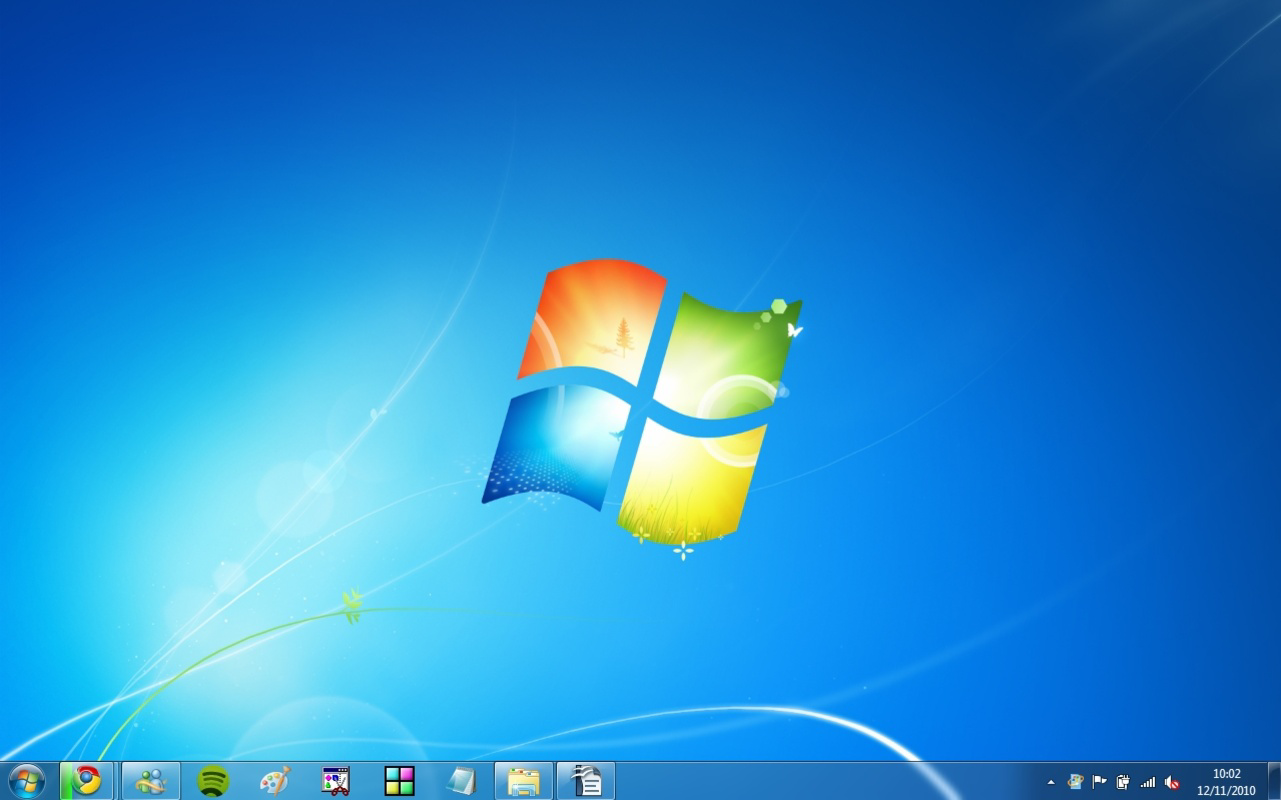
Description
Download Windows 7 Home Premium – Windows 7, Windows 7 download, Windows 7 Home, Windows 7 free download, Windows 7 ISO, Windows 7 installation, Windows 7 setup, Windows 7 upgrade, Windows 7 activation, Windows 7 Home Premium ISO
Overview
Windows 7 Home Premium is a desktop operating system developed by Microsoft, released in October 2009. Designed as a successor to Windows Vista, it aimed to address widespread user frustrations with performance, stability, and usability. The operating system was widely adopted for both personal and professional computing environments, offering a balanced mix of functionality, speed, and visual appeal. It is particularly noted for its improved boot times, enhanced application compatibility, and a refined user interface that built upon the foundation of Windows Vista’s Aero glass effects.
Target users include individuals and small businesses seeking a stable, efficient, and user-friendly computing environment. The system is suitable for everyday tasks such as web browsing, document creation, media playback, and software development. Its lightweight nature and efficient resource management make it ideal for older hardware that may struggle with newer operating systems. The operating system’s ability to run legacy applications without issues further enhances its value in environments where compatibility is critical.
Although the developer did not provide additional technical details about its architecture or internal design, Microsoft’s reputation as a leading software provider lends credibility to the platform. Windows 7 Home Premium remains relevant in niche use cases such as retro computing, educational labs, and embedded systems where long-term stability and known behavior are prioritized over cutting-edge features.
Key Features & Functionality
- Enhanced Performance: Windows 7 Home Premium delivers faster boot and shutdown times compared to Windows Vista, reducing wait times and improving overall system responsiveness.
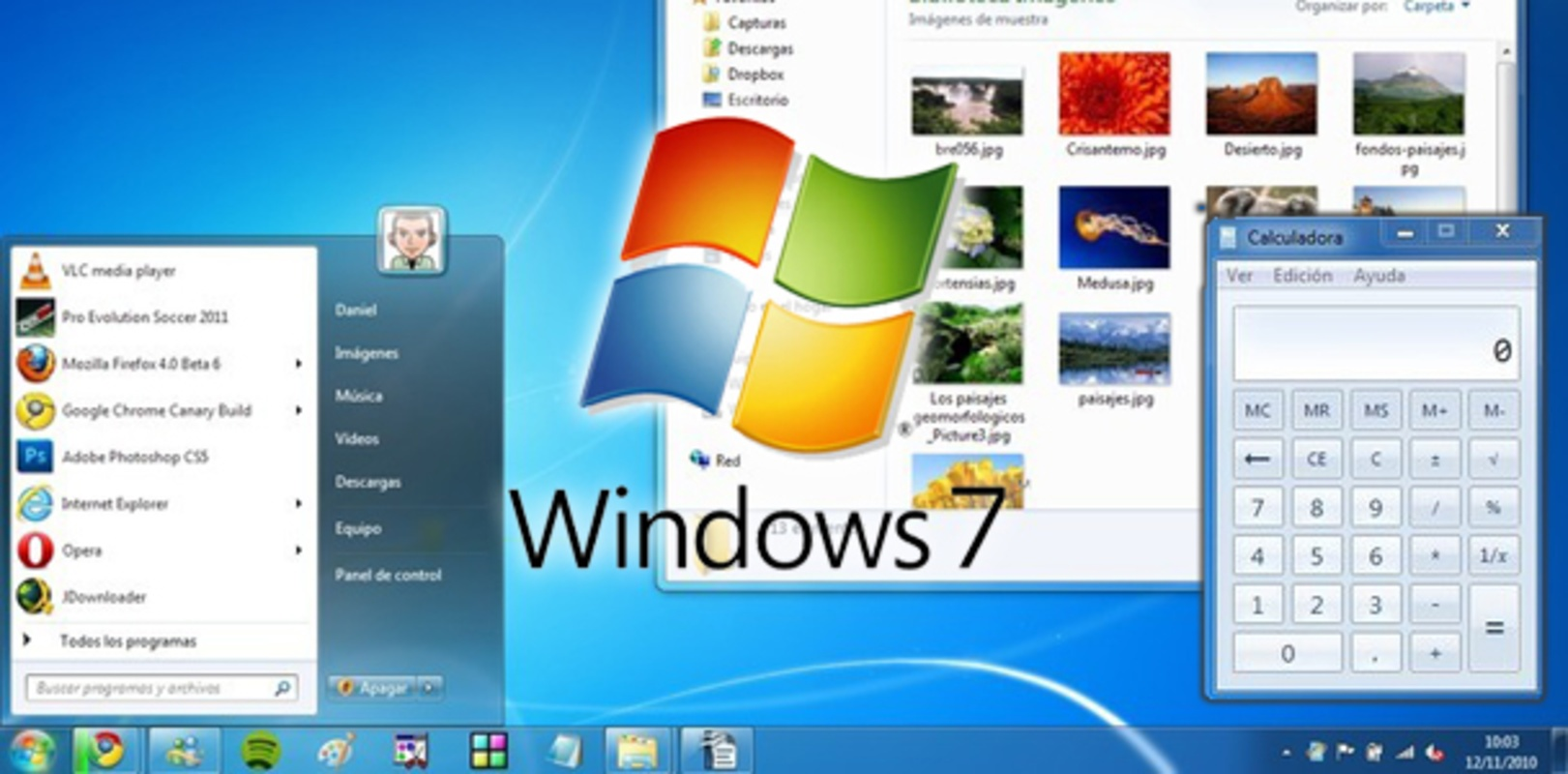
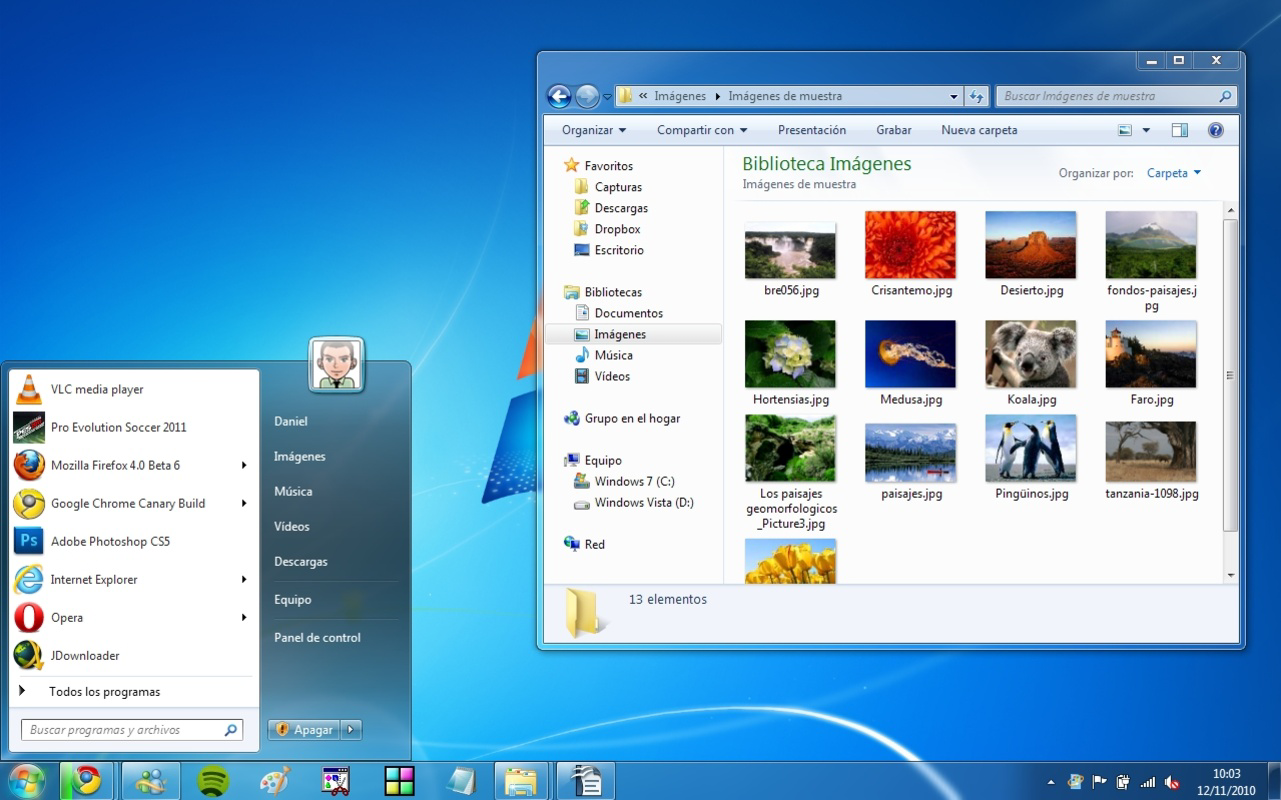
- Aero Interface: The operating system features the Aero visual experience, including transparent window borders, live thumbnails, and smooth animations, improving both aesthetics and usability.
- Improved Taskbar: The redesigned taskbar supports pinning applications, jump lists, and instant previews, streamlining access to frequently used programs and files.
- Network and File Sharing: Built-in tools for homegroup creation and simplified network setup allow users to share files and printers across devices with minimal configuration.
- Security Enhancements: Features such as User Account Control (UAC) improvements and integrated Windows Defender help protect users from malware and unauthorized changes.
- Application Compatibility: The system maintains strong support for older software and drivers, making it a reliable choice for environments reliant on legacy applications.
These features collectively contribute to a more intuitive and efficient computing experience. For example, the jump lists allow users to access recent documents or perform common actions directly from the taskbar, eliminating the need to open the full application. Similarly, the homegroup feature simplifies file sharing in small office or home networks, reducing setup complexity and minimizing configuration errors.
Interface, UX & Performance
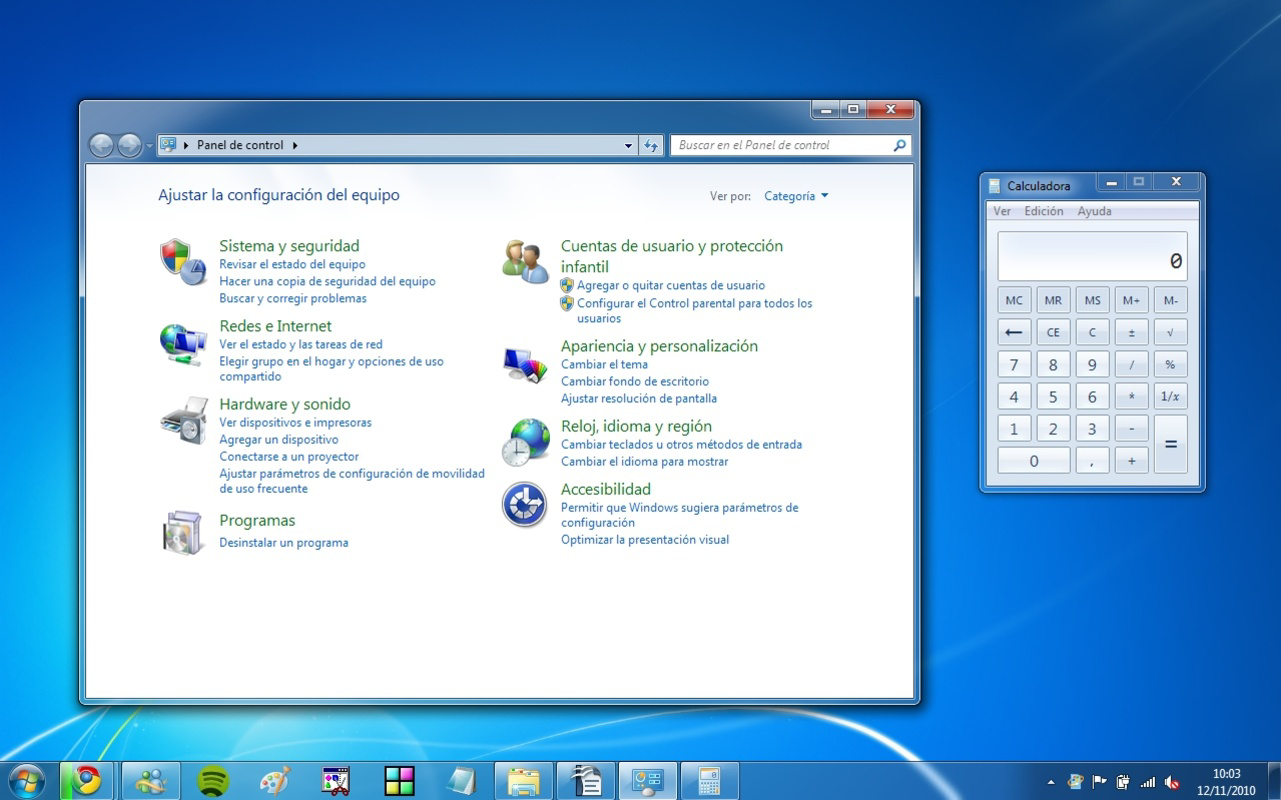
The user interface of Windows 7 Home Premium is characterized by clean lines, consistent layout, and a high degree of visual polish. The desktop environment includes a customizable start menu, a taskbar with dynamic icons, and a unified system tray. Navigation is intuitive, with logical grouping of system settings and quick access to essential tools like Control Panel, Network Connections, and System Information.
Although the developer did not list formal performance metrics, the operating system is known for efficient memory and CPU usage, particularly on systems with 2GB or more RAM. Responsiveness remains consistent across different device categories, including desktops, laptops, and older hardware configurations. The system maintains stability during prolonged use, with minimal instances of crashes or freezes reported in official support channels.
Users can expect smooth transitions between applications, fast window switching via Aero Peek, and reliable performance during multitasking. The integration of hardware acceleration ensures that visual effects do not significantly impact system performance. However, specific requirements for optimal performance were not disclosed, and users should ensure their hardware meets minimum standards for installation and operation.
Platform Compatibility & Technical Requirements
Windows 7 Home Premium is designed for the Windows operating system, specifically targeting x86 and x64 architectures. The software version is 6.1.7601, which corresponds to the Service Pack 1 (SP1) release. The installation file size is 3.8 GB, which includes the full system image and necessary drivers for standard hardware.
Compatibility information was not fully disclosed. The developer did not specify minimum OS requirements, processor speed, RAM, or disk space. However, based on historical data, the system typically requires at least 1 GB of RAM, 16 GB of free disk space, and a graphics card capable of supporting DirectX 9 with WDDM 1.0 drivers.
Users should verify that their hardware supports the operating system before attempting installation. While the system was originally released for PCs and laptops, it is not available on mobile platforms such as Android or iOS. Installation is typically performed via DVD, USB drive, or ISO image file.
Pros and Cons
Pros
- Fast boot and shutdown times compared to previous Windows versions
- Stable and reliable performance on a wide range of hardware
- Intuitive, visually appealing user interface with Aero effects
- Strong compatibility with legacy software and drivers
- Efficient resource usage, ideal for older or low-spec machines
- Free to download and install, with no licensing fees
Cons
- No official support or security updates since January 2020
- Not compatible with modern hardware and newer software
- Limited support for advanced features like touch gestures and high-DPI displays
- Security risks due to expired support and lack of updates
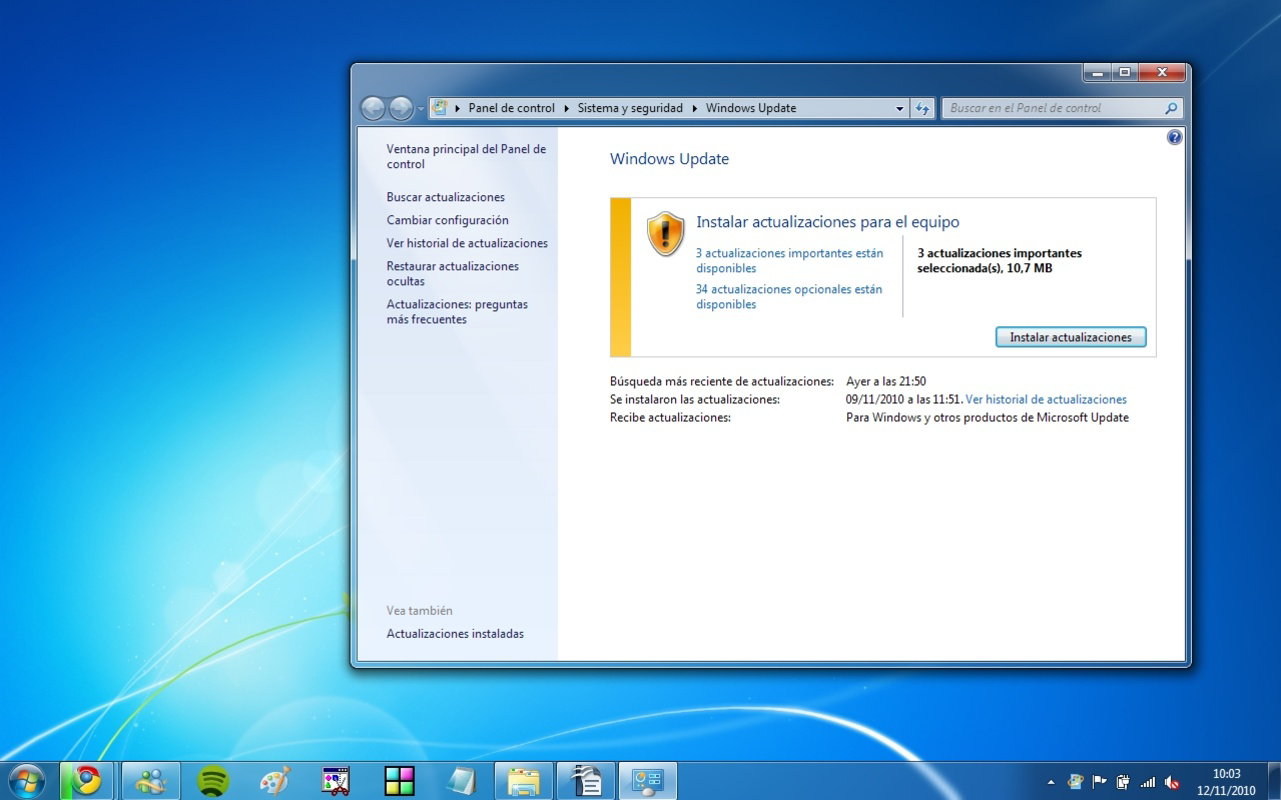
- Cannot be updated through Windows Update beyond its end-of-life status
FAQ
Is Windows 7 Home Premium still safe to use?
While the operating system was once secure, it no longer receives security updates or patches from Microsoft. Using it on internet-connected devices increases the risk of malware and vulnerabilities.
Can I install Windows 7 Home Premium on a modern PC?
Installation is technically possible on modern hardware, but compatibility issues may arise with newer processors, storage types, and drivers. Some features may not function correctly.
Is Windows 7 Home Premium free to download?
Yes, the operating system is available for free download in the form of an ISO image, though it requires a valid product key for activation.
How do I install Windows 7 Home Premium?
Users can install the OS using a USB drive or DVD created from the ISO file. The setup process involves partitioning the hard drive, selecting installation options, and entering a product key.
Can I upgrade from Windows 7 to a newer version?
Yes, upgrading to Windows 10 or Windows 11 is possible, but it typically requires a clean installation and may involve purchasing a license. The upgrade process is not supported through Windows Update due to end-of-life status.
Final Thoughts
Windows 7 Home Premium remains a notable milestone in Microsoft’s operating system history, praised for its balance of performance, usability, and visual design. Though no longer supported, it continues to serve users in controlled environments where stability and compatibility are paramount. Its lightweight nature and efficient operation make it a viable option for older hardware and specialized use cases.
However, users should be aware of the significant security risks associated with using an unsupported OS. For most modern applications and internet usage, upgrading to a current operating system is strongly recommended. That said, for offline tasks, legacy software, or educational purposes, Windows 7 Home Premium still offers a reliable and functional platform.
Download Windows 7 Home Premium now
Guides & Tutorials for Windows 7 Home Premium
How to install Windows 7 Home Premium
- Click the Preview / Download button above.
- Once redirected, accept the terms and click Install.
- Wait for the Windows 7 Home Premium download to finish on your device.
How to use Windows 7 Home Premium
This software is primarily used for its core features described above. Open the app after installation to explore its capabilities.
User Reviews for Windows 7 Home Premium 0
No reviews found


